product / 2 movable parts
Product nameplate
Name the item while your footage shows it. Add a model or size if useful.
Edit this template →T.IM ASSETS / PRODUCT VIDEOS
Name the product. Show the detail. Explain why it fits your routine. Build independent overlays for your TikTok demos and affiliate videos.
18 designs. The previews show example wording. Blank PNG/SVG downloads contain no text; editable projects keep the wording on separate layers.
Name the item while your footage shows it. Add a model or size if useful.
Edit this template →
A short label for quick demonstrations, unboxings and gear close-ups.
Edit this template →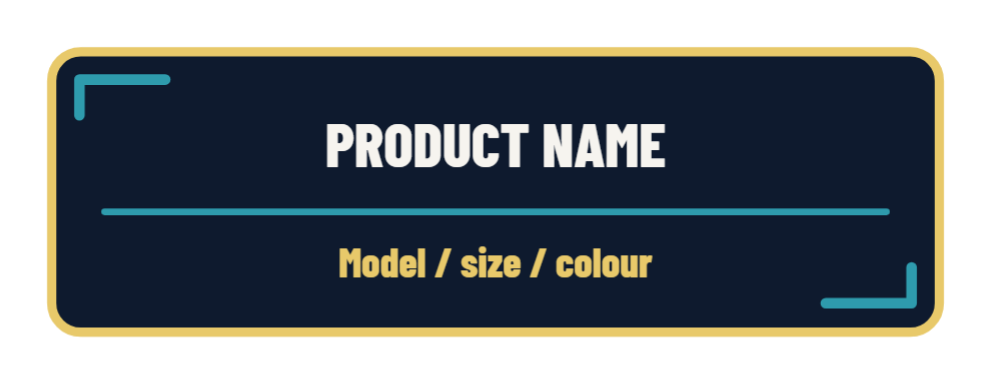
Keep the name and its specific variant on separate editable lines.
Edit this template →
Use the disc as a visual marker or place an icon over it.
Edit this template →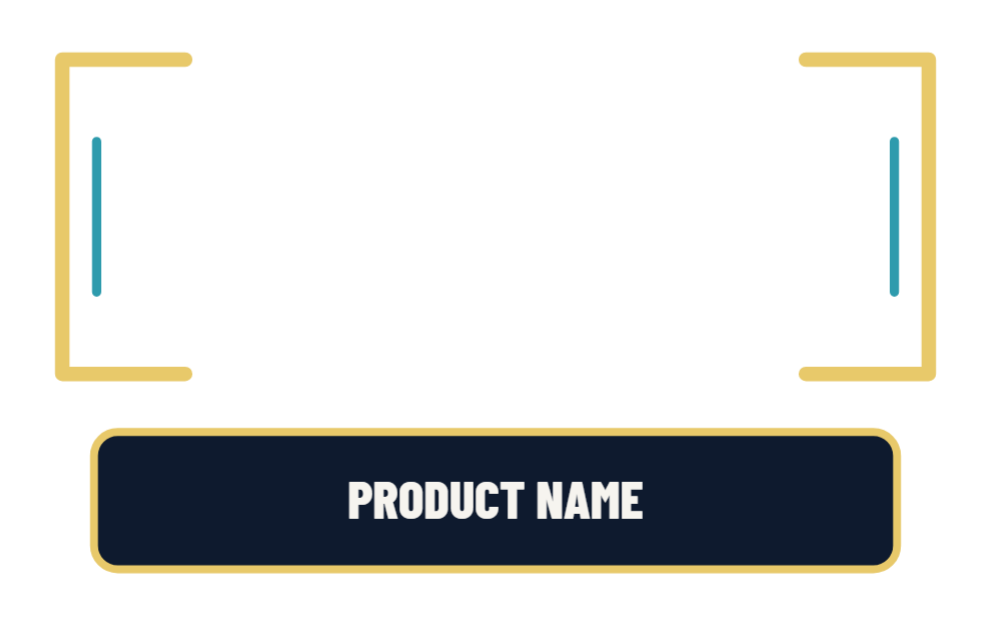
Leave the open centre over your actual product footage, with the name beneath it.
Edit this template →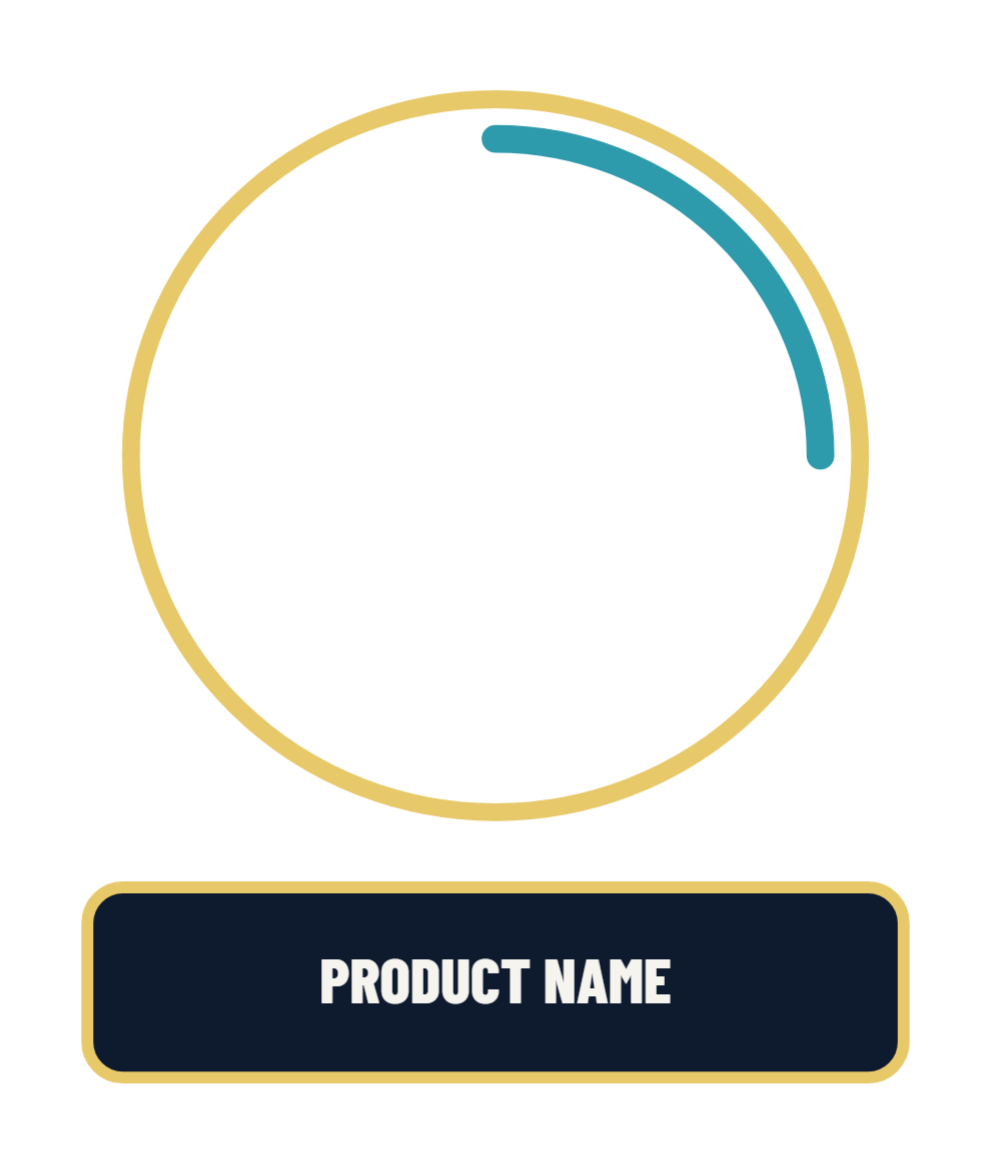
Frame a product in your footage. The centre stays transparent.
Edit this template →
Place the dot on the detail you are showing and explain it in your own words.
Edit this template →
A mirrored callout for details on the other side of your shot.
Edit this template →
Point out a button, strap, material, opening or other visible feature.
Edit this template →
Highlight a close-up without covering the feature itself.
Edit this template →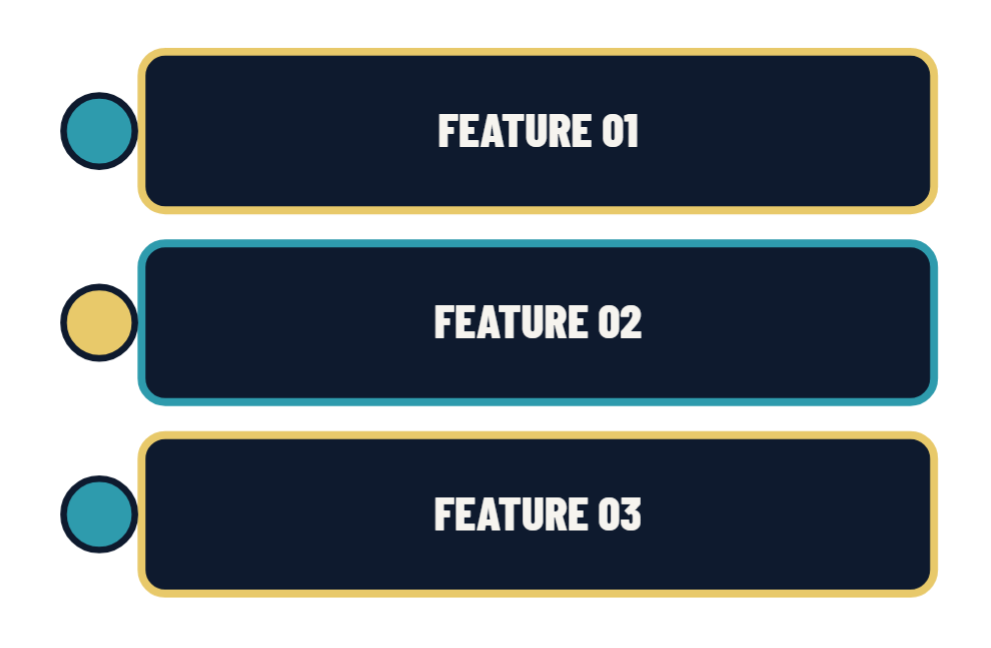
Use three short, specific observations. Each row can move independently.
Edit this template →
Give one visible feature or practical detail its own moment.
Edit this template →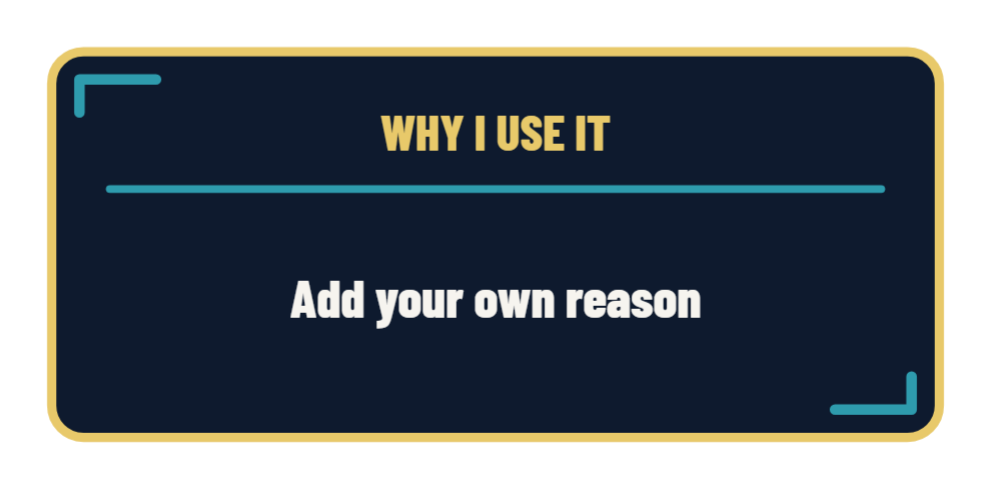
Share your actual reason for using the product, with room for a concise explanation.
Edit this template →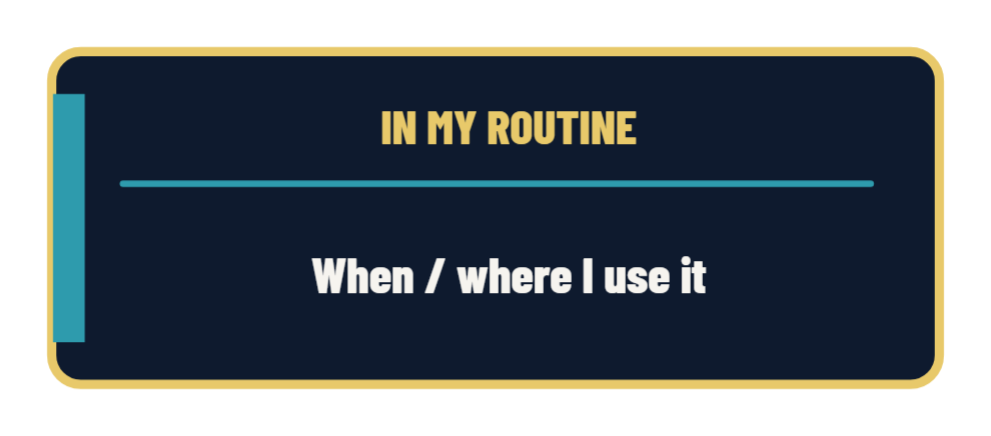
Explain when or where the item fits into your own routine.
Edit this template →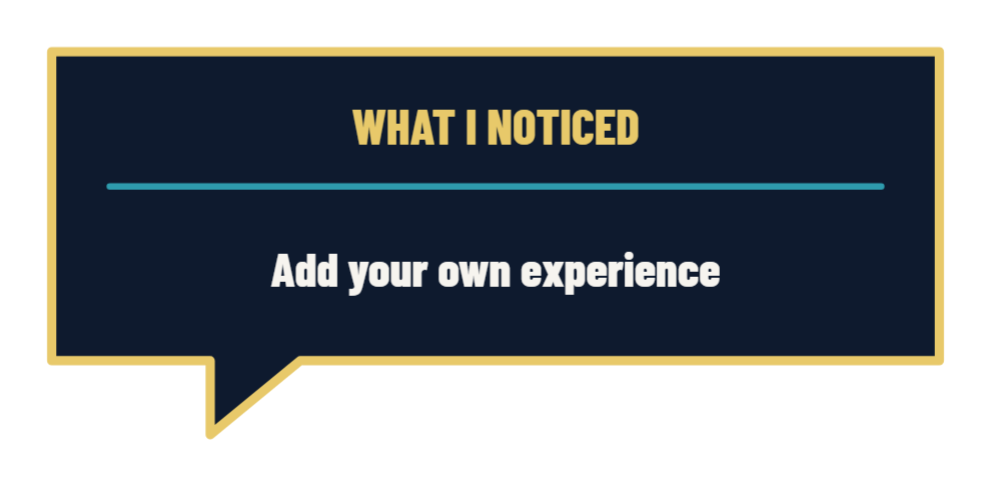
Use a firsthand observation from your demonstration or time with the item.
Edit this template →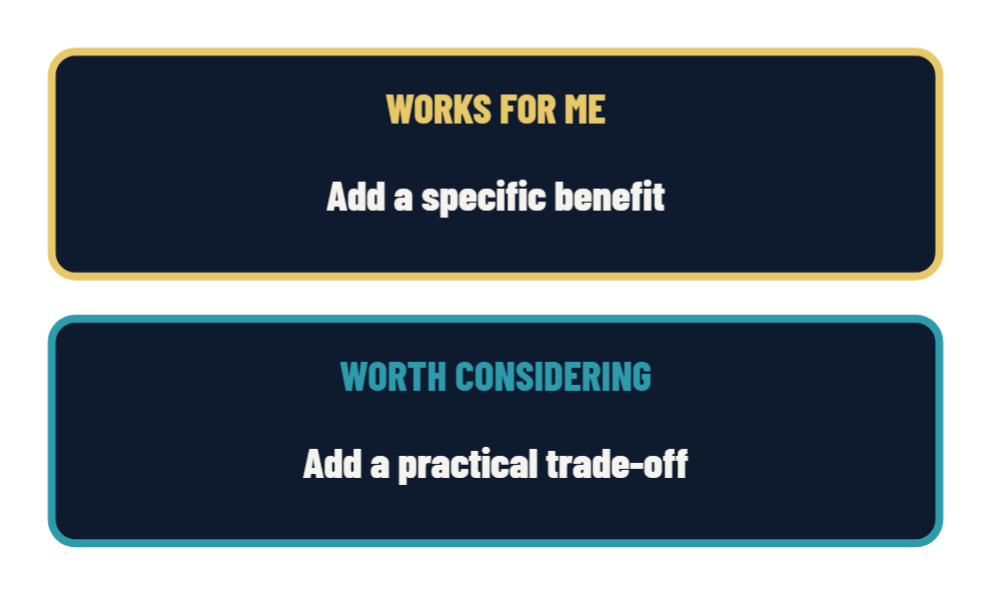
Give a balanced account of what suits you and what someone else should consider.
Edit this template →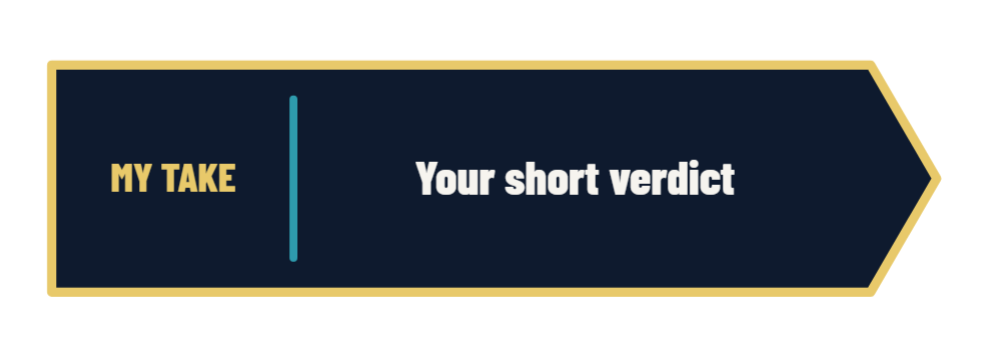
Close with your own concise view, rather than an automatic rating or sales claim.
Edit this template →
An optional plain-language label you can place alongside your own disclosure and call to action.
Edit this template →Choose Edit this template to open Asset Animator. Select a text layer to replace the product name and notes. Arrange or animate the pieces, then export a transparent PNG or animation for your own video editor.
You can also use the blank graphics and aligned components directly. The ZIP includes editable project JSON files, previews and a usage guide. No product photos or automatic ratings are included.
Use your own observations and reasons. Templates are starting layouts, so check placement against your footage and captions.