The finished animations, ready for CapCut. Every video has its sound
built in, and the sound is also here on its own as a WAV.
On iPhone: use the MP4 buttons and pick
Save Video in the share sheet to put the clip in Photos. Overlays
come as green screen MP4: in CapCut, add it as an overlay and use
Chroma Key on the green. The transparent WebM files are for
editors on a computer; iPhone Photos can’t open them. The big ProRes
desktop files aren’t here.
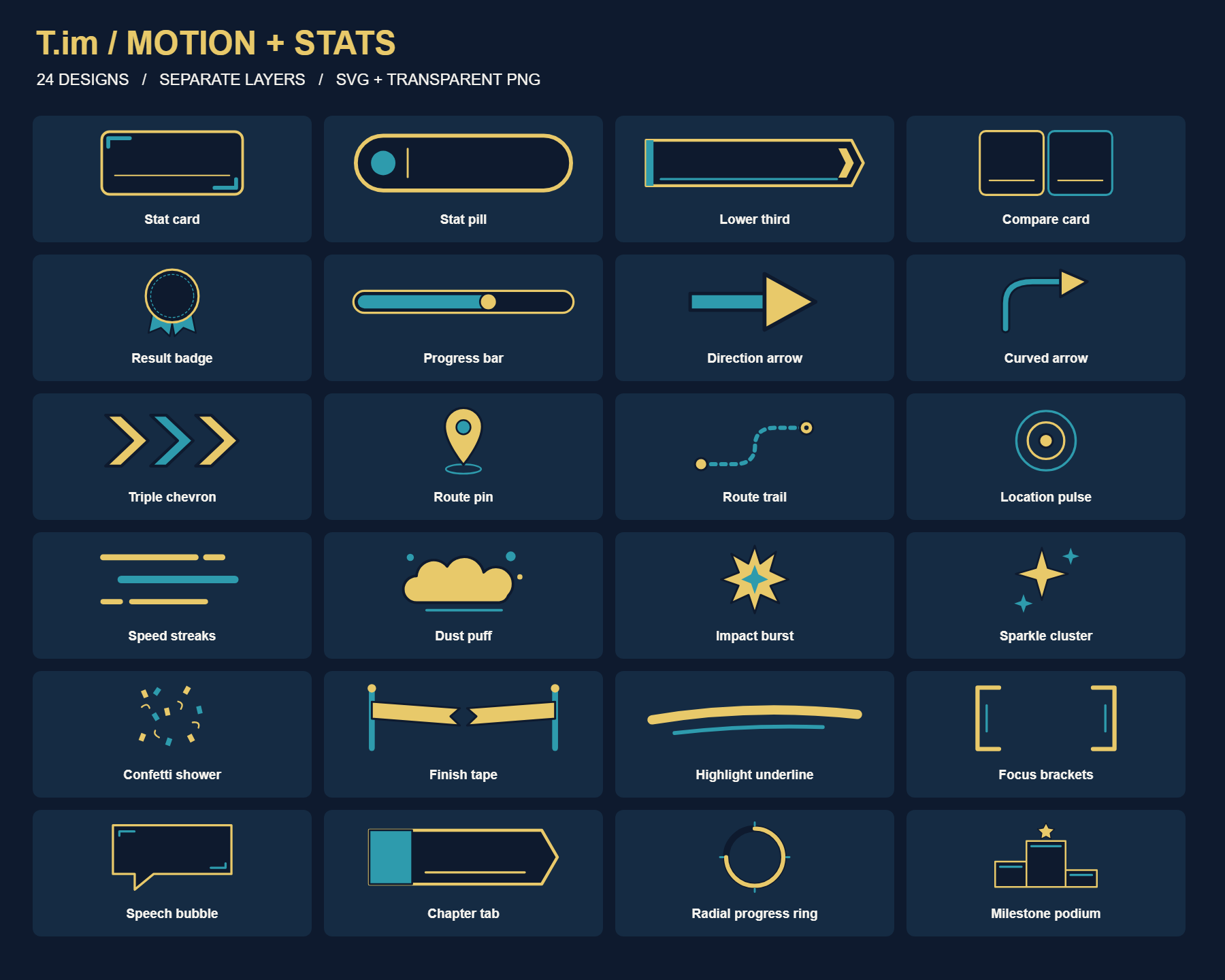
Motion + Stats Kit
24 reusable graphics with 68 movable layers: blank panels, arrows, route markers and celebration pieces. Transparent PNGs, editable SVGs and animated browser examples.
Ten reusable clips from the build-up to the finish: opener, race
chapters, celebrations, blank result panels and outro. Landscape
and portrait, 1080p at 30 fps.
Use the green-screen MP4s on your phone, or transparent WebMs in
compatible desktop editors. Sound is built in; separate WAVs are
included. Finish time and Average pace have blank panels for
your actual results: add a text layer in your editor.
Import guide and result-panel instructions.
Suggested order: opener → build-up → start → halfway → final push →
finish → results → outro. Mix with the
Running Essentials distance markers
and transitions.
Race recap
4s · A reusable opener over your race footage.
Preview this clip
Before the start
3s · Kit, travel, warm-up and pre-race footage.
Preview this clip
Race start
3s · Introduce the start-line footage.
Preview this clip
Halfway
3s · Mark the halfway point without fixing a race distance.
Preview this clip
Final push
3s · Introduce the closing stretch.
Preview this clip
Finish line
4s · A finish celebration for any completed race.
Preview this clip
Personal best
4s · Use when the result is a personal best.
Preview this clip
Finish time
5s · Blank result panel: add your actual time as text in your
editor.
Preview this clip
Average pace
5s · Blank result panel: add your actual pace and min/km or
min/mi in your editor.
Preview this clip
Thanks for watching
4s · A reusable closing card with space around it for your
footage.
Preview this clip
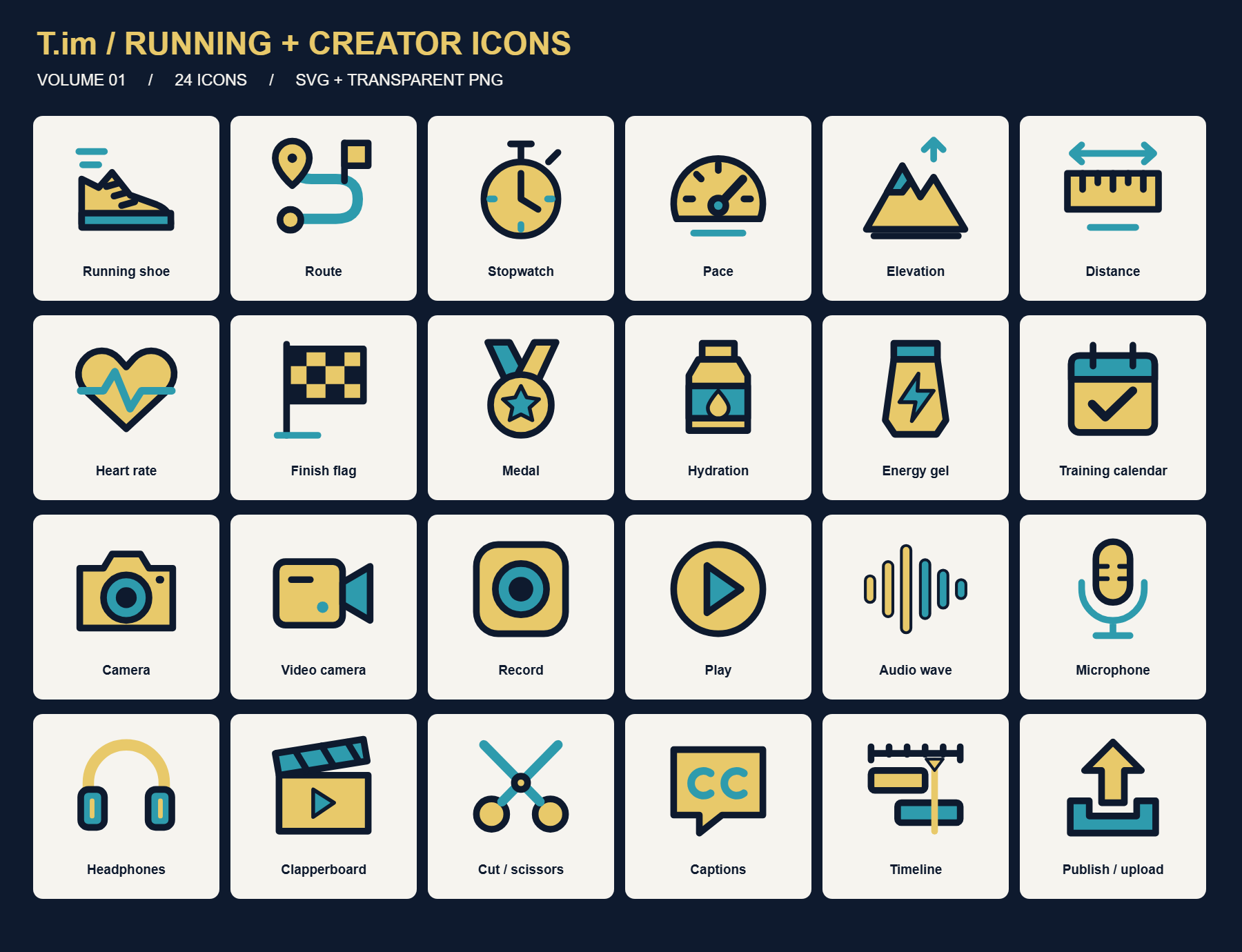
Running Essentials
Six training labels, four transitions and five distance markers.
Landscape and portrait, 1080p at 30 fps, with matching sound.
For transitions, align your edit cut to 0.70s from the clip
start. MP4s use green screen; WebMs preserve transparency in
compatible desktop editors. Sound is already included in each video;
WAVs are optional separate tracks.
Read the import guide.
Easy run
3s · conversational pace
Tempo
3s · find your rhythm
Intervals
3s · work / recover / repeat
Long run
3s · time on feet
Recovery
3s · keep it easy
Race day
3s · trust the training
Track wipe
1.4s · Cut at 0.70s
Footstrike ripple
1.4s · Cut at 0.70s
Trail dust
1.4s · Cut at 0.70s
Finish tape
1.4s · Cut at 0.70s
1 KM
3.2s · one step further
5 KM
3.2s · five kilometres
10 KM
3.2s · ten kilometres
21.1 KM
3.2s · half marathon
42.2 KM
3.2s · marathon
Trailer pack
The channel trailer pieces: logo sting, distance ladder, montage
tags, the runner on the logo, the runner subscribe call, end card
and the 65-second music.
Logo sting
3s reveal. Badge hits at 0.5s, name at 1.0s.
Distance ladder
7s. 13.1 to 100, then DNF at 5.5s.
Runner: logo run
5.8s overlay. He runs over the badge ring.
Runner: subscribe run
7.2s overlay. Punches Like, Subscribe, Bell.
Tag: Workouts
2s overlay.
Tag: Trails
2s overlay.
Tag: Food
2s overlay.
Tag: Gear
2s overlay.
Tag: Chats
2s overlay.
Trailer end card
6s. Handle and a slot for the Subscribe element.
End card guide
Where to place the YouTube Subscribe element. Don’t upload
it.
Trailer music
65s, cut to the trailer script.
Runner: River Run
The link-page scene: he jogs along the Allegheny at night under a
gold sun while the hills and grid roll past. Made with the River
Run Recorder, which can make other lengths and paces.
River Run full-frame
10s with one jump mid-clip. Cyber pad, footsteps and a
whoosh.
Runner overlay
8s seamless loop with footstep ripples. Footsteps only.
Runner: Portal
He runs into the badge, a teal ghost streaks through, and he
bursts out the other side. 6s.
Portal overlay
Over footage.
Portal full-frame
On navy, for an intro.
Logo: The Loop
A comet draws a loop that becomes the ring; the waves and name
draw on. 9.3s, 60 fps.
Loop overlay
Over footage.
Loop full-frame
On navy, for an intro.
Logo: The Drop
A gold droplet falls into water and its ripple stands up as the
ring. 7.5s, 60 fps.